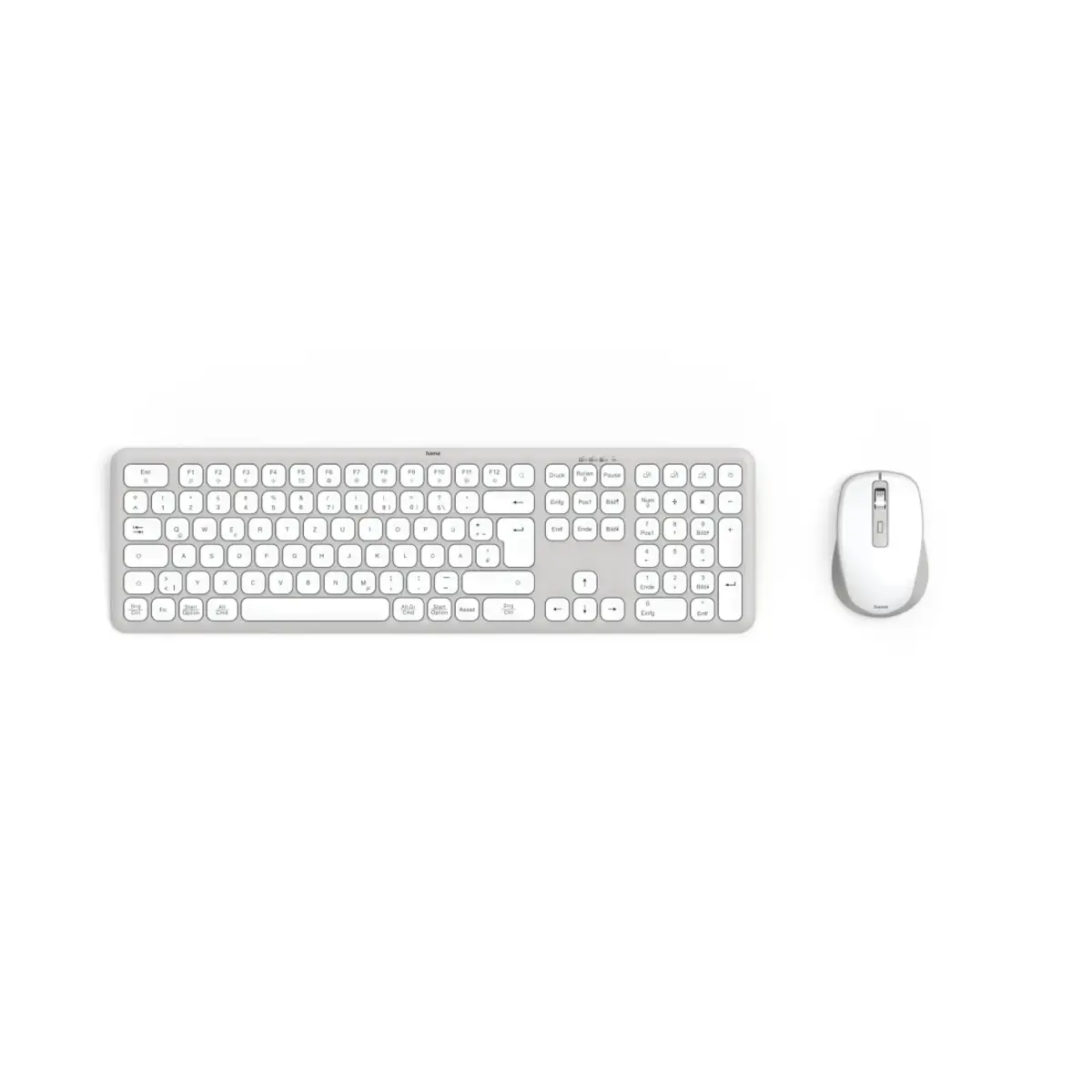
Three devices, one keyboard, one mouse – multi-device is the motto: whether PC, tablet or smartphone, all three devices can be operated with just one wireless keyboard and mouse set. Activating the Assist key makes it even more efficient
Multi-device set with 3 channels
Ready to go anywhere: the multi-device keyboard with mouse has 1 wireless and 2 Bluetooth channels and can therefore be connected to up to 3 devices simultaneously – switch between them at lightning speed at the touch of a button
Quiet keyboard with scissor mechanism
Durable and robust scissor keys: ideal for intuitive, smooth and quiet typing even at very high typing speeds
AI assistant for many programs
More productive with artificial intelligence: the Assist key activates the cross-program AI assistant
Control multimedia functions via F-keys
Activate with Fn: control multimedia functions via the secondary assignment of the F-keys – without having to go through the cumbersome system settings
Fn Lock function
Simply activate and deactivate FN Lock: switches the primary and secondary assignments of the F1 to F12 keys – so you can use the multimedia functions directly via the F-keys, for example, without having to hold down the Fn key as well
From demonstrably recycled sources > 20%
From old to new: the housing and keys of this product are made of 65% demonstrably recycled ABS plastic
Wireless keyboard and mouse set with batteries
Easy to replace: the wireless keyboard and mouse are battery-powered, so neither needs to be recharged in between – practical for mobile working without the hassle of plugging and unplugging cables
Concave keycaps
For a comfortable typing feel: the keys of the PC keyboard are concave, so fingertips rest comfortably and are guided effortlessly while typing
Stowable USB receiver
A fixed place: the stowable USB receiver can be stored space-savingly either in the keyboard or mouse housing
Whisper-quiet keys
Quiet mouse without clicking noise: whisper-quiet buttons enable undisturbed and relaxed working with the wireless mouse
Browser buttons
Practical side buttons: the browser buttons of the wireless mouse support the back/forward function for easy navigation, e.g. for internet browsers, Outlook, etc.